
· Updated
Family Tree Poster Sizes: Which Paper Fits How Many Generations
Which paper size suits how many generations, why a vector PDF matters at poster size, and how to get a family tree printed and framed at a print shop.
A home printer is fine for a quick three-generation sketch, but a family reunion centerpiece or an anniversary gift needs a large, legible wall poster.
The most common mistakes are exporting a small screenshot or guessing a paper size — and ending up with blurry names, or a print that does not fit the frame you bought.
Here is how to choose a paper size, why the file format matters at poster size, and how to get the print made.
Quick guide: paper size and tree size
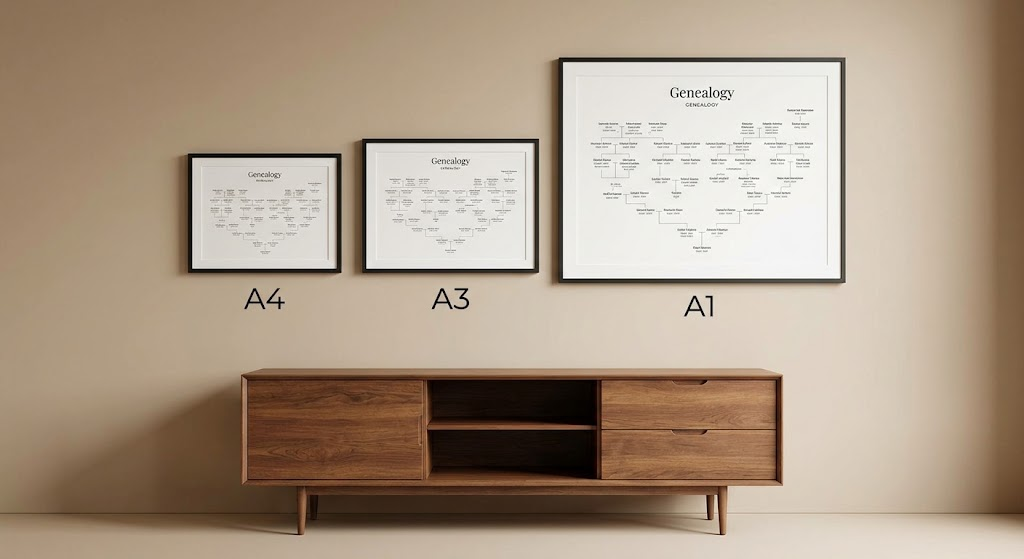
How many people fit on a sheet depends on the shape of the tree and the length of the names, so treat the middle column as a rough guide:
| Paper size | Dimensions | Roughly fits | Good for | | :--- | :--- | :--- | :--- | | A4 | 210 × 297 mm (8.3 × 11.7 in) | up to about 30 people | A binder, a desk frame, a quick share | | A3 | 297 × 420 mm (11.7 × 16.5 in) | up to about 80 people | Small wall frames | | A2 | 420 × 594 mm (16.5 × 23.4 in) | up to about 200 people | Living-room framing, gifts | | A1 | 594 × 841 mm (23.4 × 33.1 in) | several hundred people | Reunions, hall and banquet walls | | A0 | 841 × 1189 mm (33.1 × 46.8 in) | the largest trees | Large heritage displays |
Every A size has the same proportions, each one twice the area of the size below it. That is why a vector PDF made for A1 can be printed at A0 by a print shop without changing the layout.
Why vector matters for large posters
The difference between a failed poster and a sharp one is usually vector versus raster:
- Raster (PNG, JPEG, screenshots): a fixed grid of pixels. A 1920 × 1080 screenshot printed at 24 × 36 inches comes out at roughly 50 dots per inch. Names turn soft and connector lines go jagged.
- Vector (PDF, SVG): shapes and real text that are redrawn at whatever size you print. Names stay sharp on A4 and on a wall-sized sheet.
Blaadline's PDF export is vector, so names and lines stay crisp at poster size.
Step by step: getting it printed
You do not need special equipment at home. Any print shop or copy shop that does large-format printing can print a vector PDF.
1. Export a vector PDF
In Blaadline, open the export dialog, choose the paper size and orientation — landscape for wide trees, portrait for tall ones — and save the PDF. A4 export is free, with a light watermark; A3, A2, A1, the extra print templates and watermark-free export are part of Premium.
Before paying for paper, open the PDF and zoom to 100%. It is the cheapest way to catch a name that is too small or a branch that is cut off.
2. Choose the paper
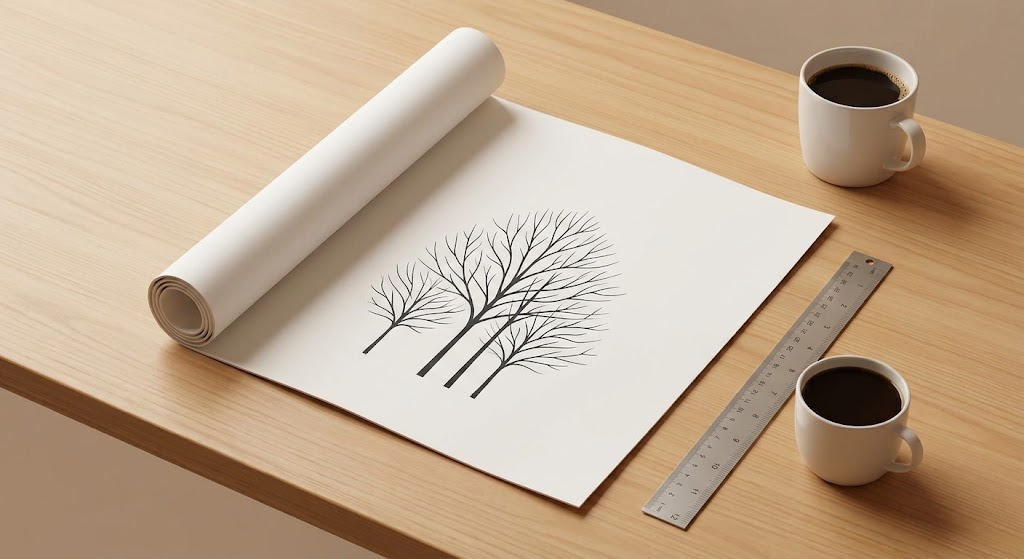
- Heavyweight matte paper: the usual choice for framing under glass. It avoids reflections.
- Satin or semi-gloss: richer contrast, with some glare under lights.
- Plain bond (engineering or blueprint prints): the cheapest large-format option, good for a working draft to mark up at a family gathering.
3. Match the frame to the paper
Frames are sold in ISO sizes (A2, A1) and in US poster sizes (18 × 24 in, 24 × 36 in), and they are not the same. An A1 print is 23.4 × 33.1 inches, so it will not fill a 24 × 36 frame without a mat. Buy the frame for the paper size you print, or tell the print shop which frame you have.
Design tips for large wall charts
- Keep the smallest text readable: dates and other small details should print at about 8 to 10 points, so older relatives can read them without leaning in.
- Leave a margin: keep at least 2 cm (about 0.75 in) of white space around the edge so the frame does not cover any names.
- Print a focused tree: a poster of one lineage reads better than every relative squeezed onto one sheet.
New to building the tree itself? Start with how to make a family tree, or open Blaadline to build yours and export it.
Build your tree in Blaadline
A free, browser-based family tree builder — handle multiple spouses and blended families, import GEDCOM, and print a clean chart.
Start your family tree